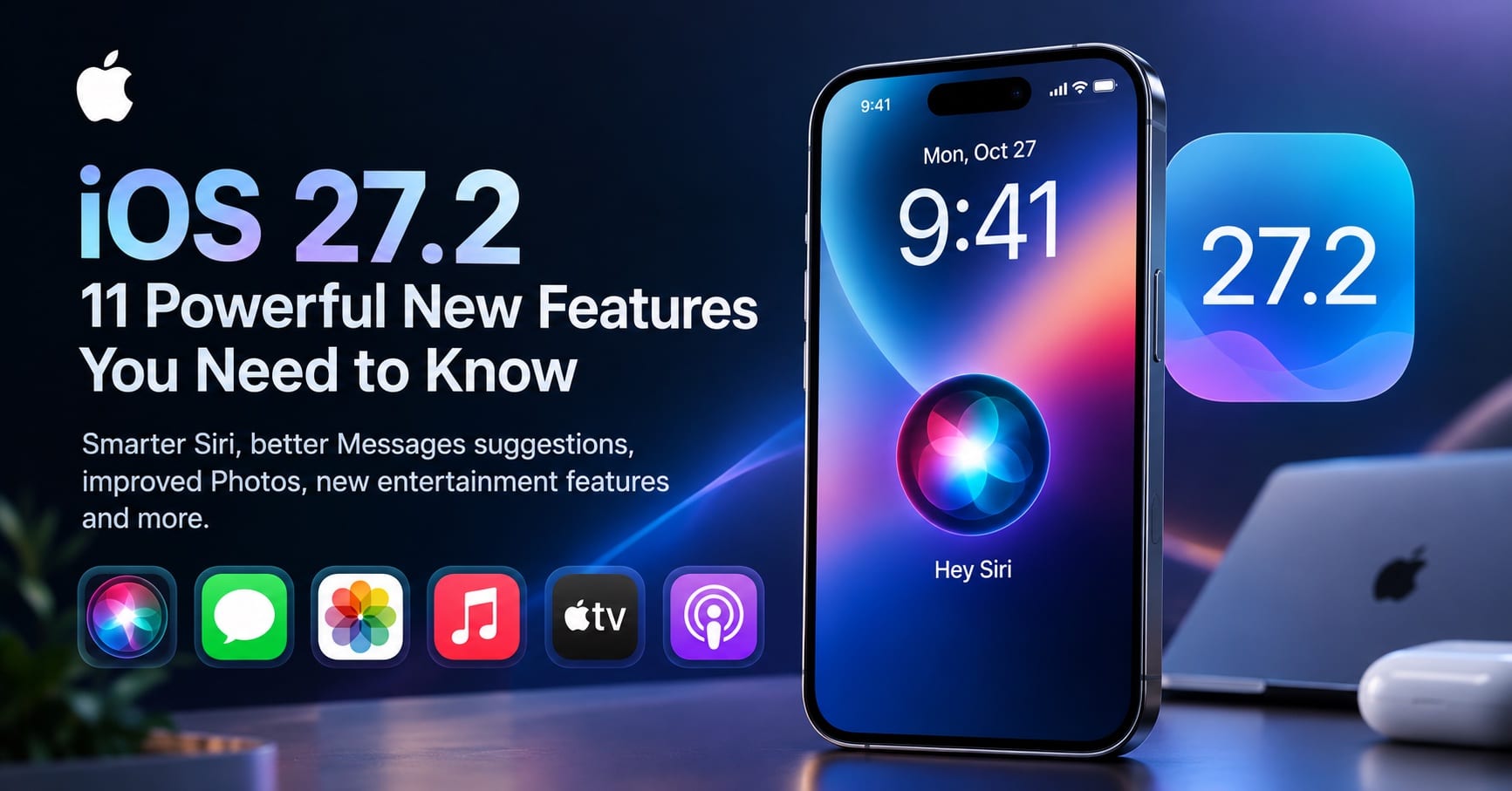

iOS 27.2 Is Here: Why This iPhone Update Matters
iOS 27.2 is Apple’s latest major iPhone software update, released on October 26, 2026. While it introduces several improvements across Apple’s apps, its biggest attraction is a more capable version of Siri that can remember previous interactions and use additional personal context to provide more relevant answers.
The update also brings contextual suggestions to Messages, expands Apple Intelligence language support, improves photo management, and delivers important security fixes. For users who have been waiting for Siri to feel more like a genuinely useful personal assistant, this release is worth examining closely.
However, there is an important distinction: not every feature is available on every iPhone, and Siri AI remains in beta. Some capabilities also depend on language and region.
Apple’s official iOS 27 update documentation provides the definitive reference for supported features and availability.
11 Best iOS 27.2 Features You Should Know About
1. Siri AI Can Remember Previous Conversations
The most significant improvement in iOS 27.2 is Siri’s ability to recall useful context from earlier interactions.
Previously, asking Siri a follow-up question often meant repeating information from an earlier conversation. With Siri AI, you can revisit something the assistant told you before.
For example, imagine asking Siri to recommend restaurants for a family dinner. A few days later, you could ask which restaurants it recommended last week rather than starting the search from scratch.
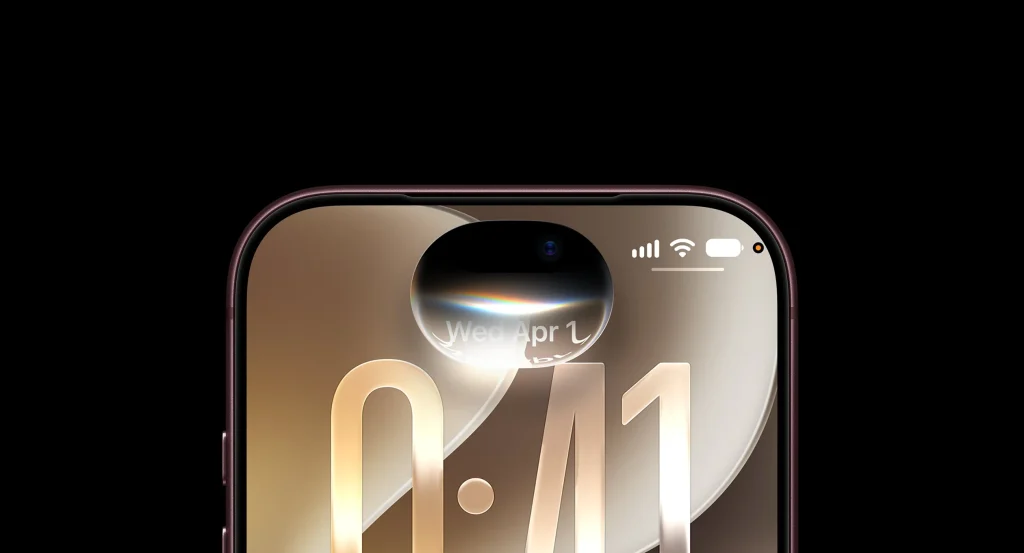
This makes conversations more continuous and potentially reduces the effort required to manage everyday tasks.
Why it matters: Contextual memory can make a voice assistant more useful for ongoing plans, research, and everyday decisions.
However, this is not a guarantee that Siri will remember every conversation perfectly. Its responses depend on supported features, available context, and the accuracy of the information it retrieves.
2. Siri AI Can Access More Personal Context
Another major improvement is Siri’s ability to draw on additional information from supported apps and services.
According to Apple, iOS 27.2 expands the personal context available to Siri AI, including:
- Photos attached to Messages conversations.
- Calendar event attendees.
- Voicemails.
- Improved results from Safari browsing history and Reading List.
Consider a practical example: you remember discussing a restaurant in a message but cannot recall its name. Siri’s improved access to personal context may help you locate the relevant information without manually searching multiple apps.
Similarly, finding information related to a meeting or a saved webpage could become easier.
The important qualification is that access to personal information depends on supported integrations, permissions, and feature availability. Siri should not be treated as having unrestricted access to every piece of information on your iPhone.
3. Excluded Apps Gives You More Control Over Siri
More personal context makes Siri potentially more useful, but it also raises a legitimate privacy question: which apps should the assistant be able to access?
iOS 27.2 introduces an Excluded Apps setting that lets users manage which apps Siri, Search, and suggestions can access through one setting.
This is a practical improvement because people may want Siri to work with their calendar and browsing history while keeping particular apps outside its reach.
For users who value privacy, reviewing these settings should be part of setting up Siri AI.
Apple’s Apple Intelligence privacy information is a useful starting point for understanding how its AI features handle information.
4. You Can Select and Copy Specific Parts of Siri’s Answers
Siri’s responses can contain several sentences of useful information, but copying an entire response is not always convenient.
iOS 27.2 adds granular text selection, allowing users to select and copy only the portion of a Siri response they need.
For example, you could copy a meeting address, a short explanation, or a specific recommendation without including the rest of the answer.
It is a relatively small change, but it makes Siri’s responses easier to reuse in Messages, Notes, email, and other apps.
5. Siri AI Expands to Five More Languages
Language support is another important part of the iOS 27.2 release.
Apple has expanded Siri AI availability to French, Japanese, Korean, Portuguese, and Spanish, in addition to English.
This brings the new assistant to more users, although availability still depends on supported devices, system language, and region.
Important for Indian users: iOS 27.2 does not mean that the new Siri AI is automatically available in Hindi. Apple has identified Chinese (Traditional), Norwegian, Turkish, and Vietnamese as additional languages planned for expansion by the end of 2026. Hindi is not included in that announced list.
Siri AI is also unavailable in the European Union on iOS and in mainland China, according to Apple’s current availability information.
6. Messages Gets Smarter Contextual Suggestions
The Messages app receives a useful improvement in iOS 27.2: contextual suggestions that can help users take action based on a conversation.
For example, a discussion about dinner plans could prompt a suggestion to create a calendar event. A conversation involving a reminder or a package could surface a relevant action.
Supported suggestion categories include Calendar, Reminders, Notes, Maps, and flights and packages.
The goal is to reduce the number of steps between discussing something and actually doing it.
Rather than manually opening another app and entering the same information, users can take an appropriate action directly from the conversation when a suggestion is available.
These suggestions are contextual shortcuts, not a guarantee that every message will trigger an action.
7. Photos Gets Better Shared Album Management
iOS 27.2 introduces several practical improvements to the Photos experience.
Shared Albums gain options to edit captions and comments. Apple also adds duplicate-photo handling and reminders before albums expire, giving users an opportunity to preserve important photos and videos.
These changes address everyday problems rather than introducing a completely new photography system.
Duplicate photos can make a library harder to manage, while expiring shared albums can put memorable images at risk of being lost if users do not save them in time.
For people who regularly share family pictures, event photographs, or travel memories, these refinements could make photo management more convenient.
8. Apple Music Gets a Refreshed Look
Apple Music receives a visual refresh in iOS 27.2.
The app now features a black-and-white icon instead of its familiar red design, alongside changes to navigation highlights and other interface elements.
These are primarily branding and appearance changes rather than a fundamental overhaul of music streaming.
Users should not expect the new icon alone to deliver better audio quality or a new subscription tier. Its importance lies mainly in the updated visual identity.
9. Podcasts and Apple TV Become More Personal
The Podcasts app reorganises its Home tab into separate New Episodes and Continue Playing sections, replacing the previous Up Next presentation.
This can make it easier to distinguish newly released episodes from programmes you have already started.
Meanwhile, the Apple TV app adds profile creation through account settings on iPhone and iPad. Profiles can include a name, content-rating information, and child-related settings.
A child’s profile defaults to PG-rated content, with options to customise age ratings for films and television programmes.
These changes improve organisation and family-oriented content management, although parental controls should still be reviewed rather than assumed to match every family’s preferences.
10. FaceTime, Sports Streaming, and Phone Get Useful Extras
Several smaller features make iOS 27.2 more useful in specific situations.
- FaceTime: Dual Capture becomes available in supported group FaceTime calls, allowing compatible devices to capture video using front and rear cameras simultaneously. Apple also adds support for including a third-party sign-language interpreter or live captioner in a call.
- Apple TV: Multiview expands to iPhone, allowing eligible viewers to watch up to four live sports streams simultaneously. Availability depends on supported sports content and subscriptions.
- Phone: Call Context can remind users of a contact’s anniversary during a call when that date has been saved in Contacts.
- Clock: The alarm list uses smaller a.m. and p.m. labels, providing a minor interface refinement.
- iPhone Duo: The update includes Apple Pencil USB-C support and Edge Light for video calls on Apple’s foldable iPhone.
Not every feature applies to every iPhone. In particular, Dual Capture and the iPhone Duo enhancements require compatible hardware.
11. Shortcuts Gets Better Automation Tools
For power users, iOS 27.2 improves the Shortcuts app with additional automation and editing capabilities.
The update adds a new automation for when the iPhone Duo is opened or closed. Workout automations gain support for the Fitness app, and an app automation can now provide the name of an app that was closed.
Users can also edit shortcut names and icons directly from the library.
These changes matter because Shortcuts can connect routine actions across apps and services. Better triggers and easier editing can make personal workflows simpler to maintain.
For developers and advanced users, Apple’s iOS 27 release notes provide further technical details and known issues.
iOS 27.2 Siri AI: What Can the New Assistant Actually Do?
The biggest question surrounding this update is whether Siri has finally become a more capable AI assistant.
The answer is that Apple has made meaningful progress, particularly in conversational continuity and personal context.
Here are three areas where the improvements could make a practical difference.
Finding information: Siri can use additional supported personal context to help locate information associated with messages, calendar attendees, voicemails, and browsing history.
Continuing a conversation: The ability to recall previous interactions can make follow-up questions more natural when revisiting earlier recommendations or information.
Taking action: Apple’s broader Siri AI experience supports actions across apps, such as drafting an email or editing and sharing a set of photos. The availability and reliability of particular actions can vary, and beta limitations still apply.
There is an important caveat. Siri AI is not a flawless replacement for human judgement or a guarantee of accurate answers. Users should verify important information, especially when it concerns money, health, travel arrangements, or business decisions.
Apple’s official overview of iOS 27 explains the wider Siri AI experience and its supported capabilities.
iOS 27.2 Compatibility: Which iPhones Support Siri AI?
iOS 27.2 is available for iPhones that support the iOS 27 operating system. However, being able to install iOS 27.2 does not necessarily mean that your iPhone supports the new Siri AI features.
Apple lists Siri AI compatibility for all iPhone 16 models and later, plus the iPhone 15 Pro and iPhone 15 Pro Max.
Older compatible iPhones may receive the operating system update and its applicable fixes without supporting these particular AI features.
Availability can also depend on language and region. Check Apple’s official documentation before assuming that every feature will appear after installation.
How to Download and Install iOS 27.2
Installing the update is straightforward:
- Open Settings on your iPhone.
- Tap General.
- Select Software Update.
- Wait for iOS 27.2 to appear.
- Tap Update Now or the available installation option and follow the instructions.
Before updating, connect to a reliable Wi-Fi network, ensure your iPhone has sufficient battery power, and back up important data.
If the update does not appear immediately, check again later. Availability can vary depending on the device and software configuration.
Security: Should You Install iOS 27.2?
Security is another strong reason to consider the update.
Apple’s official iOS 27.2 security document lists fixes for vulnerabilities affecting components including Siri and other system frameworks.
These include issues involving sensitive data access and other software weaknesses. Apple recommends keeping devices updated to benefit from available security protections.
Installing the latest compatible software is generally a sensible security practice, particularly for devices used for banking, work, email, and personal communications.
As with any major software update, users who depend on specialised business apps or accessories may wish to check compatibility before installing.
Is iOS 27.2 Worth Updating To?
For most users with compatible iPhones, iOS 27.2 is a worthwhile update.
Its strongest improvements are not limited to cosmetic changes. Siri’s expanded context and conversational memory address longstanding usability problems, while Messages suggestions and Photos refinements make everyday tasks more convenient.
The security fixes add another practical reason to update.
However, expectations should remain realistic. Siri AI is still in beta, hardware compatibility is limited, and language and regional restrictions remain important. Users should not assume that all the advertised AI capabilities will work on every device or in every country.
The bottom line: iOS 27.2 is a meaningful step forward for Apple’s AI-powered iPhone experience. If you own a compatible device and want a more contextual Siri, improved everyday app features, and the latest security fixes, this release deserves your attention.
Frequently Asked Questions About iOS 27.2
Is iOS 27.2 available now?
Yes. Apple released iOS 27.2 on October 26, 2026.
What is the biggest new feature in iOS 27.2?
The standout improvement is Siri AI’s ability to recall previous interactions and draw on additional personal context from supported sources.
Does iOS 27.2 bring Siri AI to every iPhone?
No. Siri AI requires an iPhone 15 Pro, iPhone 15 Pro Max, or an iPhone 16 model or later. Additional language and regional restrictions apply.
Does iOS 27.2 support Siri AI in Hindi?
Hindi is not among the languages Apple has announced for Siri AI availability in this release. Check Apple’s official language-support information for future changes.
Is Siri AI still in beta?
Yes. Apple identifies Siri AI as a beta feature in iOS 27.2, so capabilities and availability may continue to change.
How do I update to iOS 27.2?
Go to Settings > General > Software Update, then follow the installation instructions if the update is available for your device.
Does iOS 27.2 improve iPhone security?
Yes. Apple documents multiple security fixes in the release. Keeping a compatible iPhone updated helps protect it against known software vulnerabilities.
Related Articles on IMFounder
- iPhone Duo Problems: 5 Shocking Flaws Exploding Online, and 5 Better Alternatives
- New Mac mini M6 Is Here: The Powerful AI Upgrade Apple Users Have Been Waiting For
- Apple Vision Pro Layoffs: The Brutal 60-Job Warning That Apple’s Headset Dream Is Changing
- Apple Forgot Steve Jobs’ Most Important Lesson: Design Is How It Works
- The Dark Side of Apple: From Transparent Titan to Narrative Control Machine?
- The Good, the Bad, and the Ugly Deal That Exposes Apple’s AI Weakness