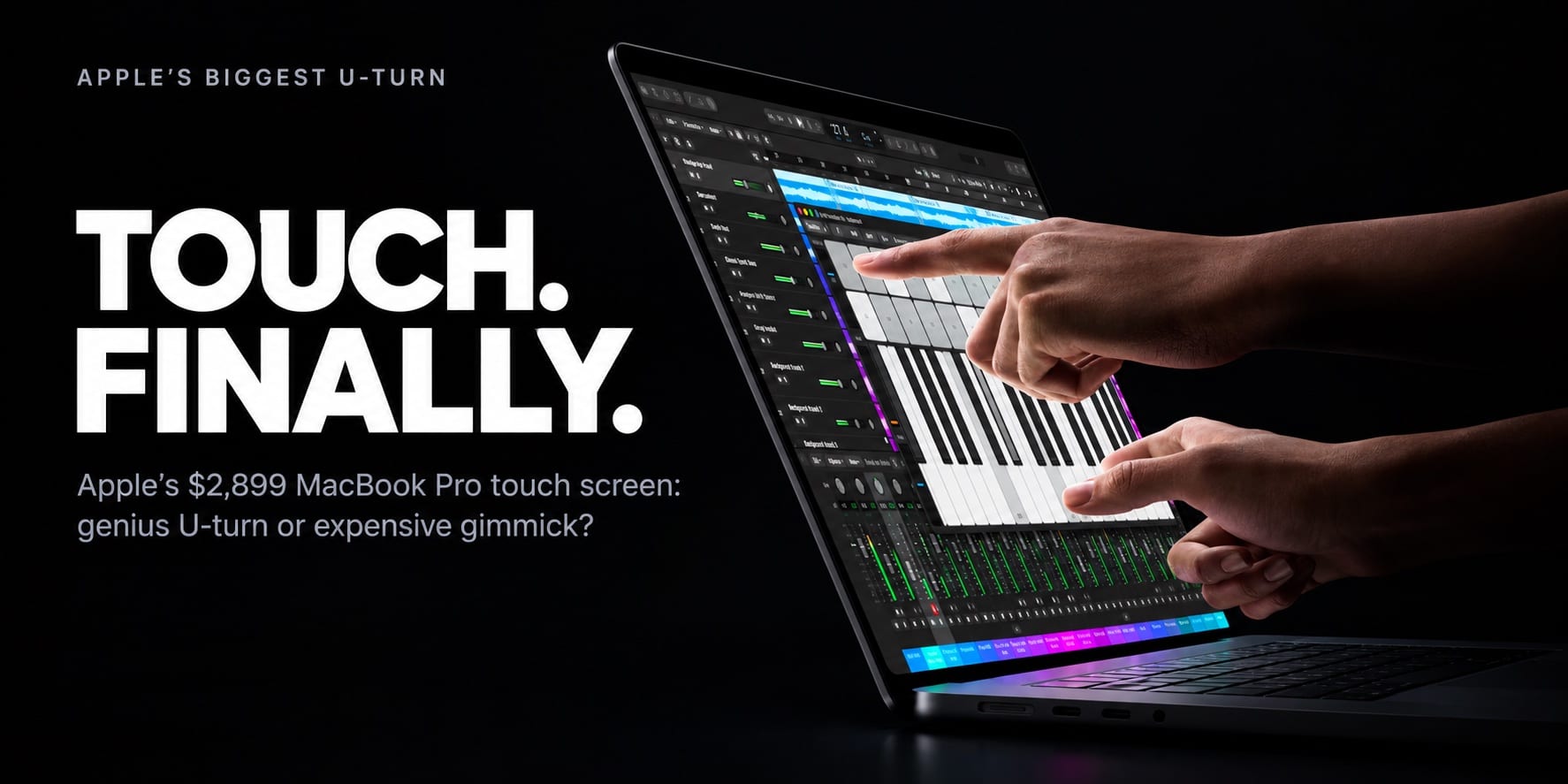

Apple spent more than a decade arguing that laptops don’t need touch. Now it sells one from $2,899. Here’s why it happened, what you really get, and whether it’s a flop or the future.
The MacBook Pro touch screen is no longer a rumor. It is a real product, it ships on November 6, and it starts at $2,899. For more than a decade, Apple argued that touch does not belong on a laptop. Then, at its “Pro and Tell” event in Los Angeles on October 28, 2026, the company unveiled the MacBook Pro with PROLED XDR Display, the first Mac you can tap, pinch and swipe.
So what changed? Is this a smart premium upgrade, an expensive gimmick, or Apple finally catching up to Windows laptops that have offered touch for years? This guide explains the new MacBook Pro 2026 lineup, the real reasons behind the long delay, the genuine advantages, the risks, and who should spend the money. It is based on Apple’s announcement, executive interviews and early hands-on reports. Independent lab reviews will only arrive after launch, and I point out where that matters.
The MacBook Pro Touch Screen in 7 Truths
- Touch is an add-on, not a new way to use a Mac. Apple still treats the Mac as a keyboard-and-trackpad machine.
- The OLED panel is the real headline. Touch rides along with the best display Apple has ever put in a Mac.
- The delay was about physics. Screen wobble, heat and arm fatigue were the problems Apple had to solve.
- macOS barely changed, and that is deliberate. Your finger is translated into a click.
- Touch plus OLED costs $400 more than the equivalent regular model.
- The touch models skip Apple’s newest chip. They use M5 Pro and M5 Max, not M6.
- It is not a flop, but it is a premium-first bet aimed at creators and pros, not everyone.
Each point about the MacBook Pro touch screen is unpacked below, starting with what Apple actually launched.
New MacBook Pro 2026 Lineup: What Apple Actually Launched
Apple reshaped its new MacBook Pro 2026 range in just two days. On October 27 it introduced a new entry-level 14-inch MacBook Pro with the M6 chip at $1,999. On October 28 it added the touchscreen MacBook Pro in 14-inch and 16-inch sizes. The mini-LED M5 Pro and M5 Max models from March remain on sale alongside them.
| Model | Display | Chip | US starting price |
|---|---|---|---|
| 14-inch MacBook Pro | Mini-LED (Liquid Retina XDR) | M6 | $1,999 |
| 14-inch MacBook Pro | Mini-LED (Liquid Retina XDR) | M5 Pro | $2,499 |
| 16-inch MacBook Pro | Mini-LED (Liquid Retina XDR) | M5 Pro | $2,999 |
| 14-inch MacBook Pro with touch | Tandem OLED (PROLED XDR) | M5 Pro | $2,899 |
| 16-inch MacBook Pro with touch | Tandem OLED (PROLED XDR) | M5 Pro | $3,399 |
M5 Max versions of the touch models start at $4,499 for the 14-inch and $4,799 for the 16-inch.
The MacBook Pro OLED display is the star of the hardware. Apple lists up to 2,000 nits of peak brightness and a 10,000,000:1 contrast ratio, with up to 1,000 nits sustained full-screen. The notch is gone, replaced by a smaller Dynamic Island. The 14-inch touch model weighs about 3 pounds against 3.5 pounds for the regular M5 Pro, memory goes up to 128GB, and a glowing Apple logo returns to the lid after roughly a decade. Apple also claims up to 24 hours of battery life, which is best read as a maximum, not a typical result. Pre-orders are open now.
Why Apple Waited So Long for a MacBook Pro Touch Screen
A Philosophy Built Around the iPad
Steve Jobs set the tone in 2010, when he famously called touch on a laptop “ergonomically terrible”. The logic was commercial as well as ergonomic. If you wanted a touch device, Apple sold you an iPad. If you wanted precision, it sold you a Mac. Keeping the two apart gave each product a clear identity and let macOS stay focused on the pointer.
Gorilla Arm, Wobble and Heat: The Physics Problem
Engineers have a name for what happens when you hold an arm out to use an upright screen: “gorilla arm.” Poking at a vertical display for long stretches tires the shoulder, which is why touch feels natural on a flat tablet and awkward on a laptop.
Two more problems were practical. Ordinary laptop screens bounce when tapped, and a bright OLED panel with a touch layer runs warm. Apple’s hardware chief, Johny Srouji, told WIRED that displays, Apple silicon and software had finally advanced far enough to meet Apple’s standard. Apple says its answer is a reinforced hinge, a redesigned thermal architecture and an anti-reflective coating that should not need extra cleaning.
The last barrier was software. macOS was built around a precise cursor, not a fingertip, and tiny buttons are miserable to hit with a finger. That is why the MacBook Pro touch screen needed years of groundwork before Apple was willing to ship it.
Why Apple Finally Built a MacBook Pro Touch Screen in 2026
OLED Removed the Trade-Off
CEO John Ternus told WIRED that Apple needed to reach a point where touch “didn’t make the product lesser in any way”. The new OLED panel is what made that possible. Apple could add touch without making the laptop thicker or heavier, and the result is slimmer and lighter than the model it sits beside. Ternus still describes the Mac as an indirect input device built around the trackpad and keyboard, with touch as a convenience for moments when it feels handy.

A Generation That Expects to Touch
Marketing chief Greg Joswiak argued that most pros already own an iPad and nearly all own an iPhone, so a generation of young creators now expects to touch a screen. There is a developer angle too. Apple says app makers can test how touch performs in their iOS and iPadOS apps directly on the MacBook Pro display.
Critics see a simpler explanation. Fast Company argued the most straightforward reason is that Apple is getting with the times, and noted that Apple’s press material does not address arm fatigue directly.
A Premium Bet at a Premium Price
Bloomberg framed the launch as a test of whether customers will pay more for another pricey product, coming right after Apple’s foldable iPhone. The MacBook Pro price tells the story. Before a June increase linked to the memory shortage, the 14-inch M5 Pro started at $2,199, so the touch models represent a jump of at least $700 in four months.
MacBook Pro Touch Screen Advantages: What You Actually Gain
Strip away the marketing and the MacBook Pro touch screen offers real, specific benefits:
- A genuinely better MacBook Pro OLED display. Tandem OLED layers two panels to boost light output, the same approach used in the iPad Pro. Expect deep blacks, strong HDR and bright highlights for photo and video work.
- Faster everyday gestures. Apple says you can swipe to scroll, pinch to zoom photos, drag slides between presentations and double-tap a window to fill the screen. In hands-on videos, a three-finger swipe moves between apps.
- Touch-ready creative apps. Apple’s Creator Studio updates arrive in November, letting you play keys in Logic Pro, paint in Pixelmator Pro and place clips in Final Cut Pro by hand.
- It works from day one. macOS automatically translates touches into clicks, so many existing apps respond immediately, and Apple has released updated gesture APIs for developers.
- Less weight, more screen. The thinner body, 3-pound 14-inch weight and smaller Dynamic Island give you more usable display in a lighter package.
- No forced change. CNBC’s hands-on report stresses that touch is entirely optional, and the keyboard and trackpad remain.
- Natural in early tests. A TechRadar reviewer found the MacBook Pro touch screen felt natural and said his arm never tired, though event demos are short.
The Honest Downsides of the MacBook Pro Touch Screen
No new product is perfect, and the MacBook Pro touch screen has clear trade-offs:
- The MacBook Pro price. At $2,899, the 14-inch touch model sits $900 above the $1,999 M6 model and $400 above the regular M5 Pro. The 16-inch starts at $3,399.
- The chip mismatch. The newest silicon, M6, is only in the cheapest model. There is no M6 Pro or M6 Max yet, so the most expensive laptops use older chips.
- Arm fatigue remains unproven. A friendly demo is not a full workday. Reviews after November 6 will show whether touch holds up over hours.
- Missing extras. Apple did not mention Apple Pencil support, Face ID is still absent, and the screen cannot fold flat like many Windows convertibles.
- A pointer-first operating system. macOS still treats a finger much like a cursor. Third-party apps with small buttons may feel clumsy until developers adapt.
- Battery claims need testing. Treat “up to 24 hours” as a ceiling until independent tests confirm real-world endurance.
Is the MacBook Pro Touch Screen a Flop or the Future?
A flop is a product that fails to find buyers or fails to deliver what it promises. By that standard, the MacBook Pro touch screen looks unlikely to flop, for four reasons.
First, the downside risk is low. Apple kept the keyboard and trackpad, and it keeps selling non-touch models, so buyers who dislike touch lose nothing. Second, the OLED upgrade stands on its own: even if you never tap the screen, you still get a brighter, lighter laptop. Third, Apple is not chasing volume here. A $2,899 starting price targets creators, developers and professionals who already pay for premium hardware.
Fourth, history helps. The Touch Bar, Apple’s 2016 experiment, replaced physical keys for everyone and was eventually retired. This time touch is additive, not mandatory. That is a smarter design decision.
Is the MacBook Pro touch screen the future? Probably, in a narrower sense. Once Apple ships touch on its flagship laptop, developers have a reason to optimize for it, and the line between Mac and iPad gets thinner. Windows laptops have offered touch for well over a decade, so Apple is late. But Apple has rarely won by being first. It tends to win by shipping the polished version, and early reactions suggest the execution is strong.
What could still go wrong? Prices could slow sales, touch could feel like a novelty after a week, and macOS may need more than a few visual tweaks. My verdict: it is not a flop, it is relevant, and it is a niche-first success rather than a mass-market revolution.
Who Should Buy the MacBook Pro Touch Screen, and Who Should Skip It
Buy it if you:
- Edit photo or video and want a bright, HDR-ready OLED panel.
- Make music or art and would enjoy touch in Logic Pro, Pixelmator Pro or Final Cut Pro.
- Build iOS or iPadOS apps and want to test touch on one machine.
- Still use an Intel or M1-era MacBook Pro and want years of improvements at once.
Skip it if you:
- Want the best performance per dollar. The regular M5 Pro at $2,499 is far cheaper.
- Need the newest chip. The $1,999 M6 model has it.
- Already own an M4 or M5 MacBook Pro. The upgrade is hard to justify.
- Rarely use touch on any device.
If you are undecided about the MacBook Pro touch screen, wait for independent reviews after the November 6 launch. A week of patience costs nothing, while a $2,899 mistake does.
FAQs About the MacBook Pro Touch Screen
Does the new MacBook Pro have a touch screen?
Yes, but only the new 14-inch and 16-inch MacBook Pro with PROLED XDR Display. The $1,999 M6 model and the regular M5 Pro and M5 Max models do not support touch.
How much does the MacBook Pro touch screen cost?
The 14-inch model starts at $2,899 and the 16-inch at $3,399 with the M5 Pro. M5 Max versions start at $4,499 and $4,799.
When can I buy the touchscreen MacBook Pro?
Pre-orders opened on October 28, 2026, and the laptops launch on Friday, November 6.
Does the MacBook Pro touch screen work with Apple Pencil?
Apple made no mention of Apple Pencil support at launch, so assume it is not supported until Apple says otherwise.
Do existing Mac apps work with touch?
Many do. macOS converts taps into clicks, so most apps respond without updates, though apps built for touch will feel better.
Final Verdict: The MacBook Pro Touch Screen Is Late, Smart and Expensive
Apple took its time, but the MacBook Pro touch screen arrives with the right ingredients: a premium MacBook Pro OLED display, a stiffer hinge, better thermal design and a conservative software approach. It will not change how every Mac user works, and it should not. It gives creators and pros a new option at a high price, while the rest of the lineup stays familiar.
If you want the best display Apple has ever built into a Mac, and touch sounds useful, this MacBook Pro touch screen model is the one to watch. If you just want the best value, the cheaper models remain excellent, and the MacBook Pro price gap is the main hurdle. Either way, Apple’s biggest U-turn is now real, and the first independent reviews will decide whether it earns its premium.
Sources and further reading: MacRumors, 9to5Mac, AppleInsider, Gizmodo, Tom’s Guide. Prices and specs reflect coverage of Apple’s October 28, 2026 announcement and may change.
Related Articles on IMFounder
- New Mac mini M6 Is Here: The Powerful AI Upgrade Apple Users Have Been Waiting For
- Apple Vision Pro Layoffs: The Brutal 60-Job Warning That Apple’s Headset Dream Is Changing
- Apple Forgot Steve Jobs’ Most Important Lesson: Design Is How It Works
- The Dark Side of Apple: From Transparent Titan to Narrative Control Machine?