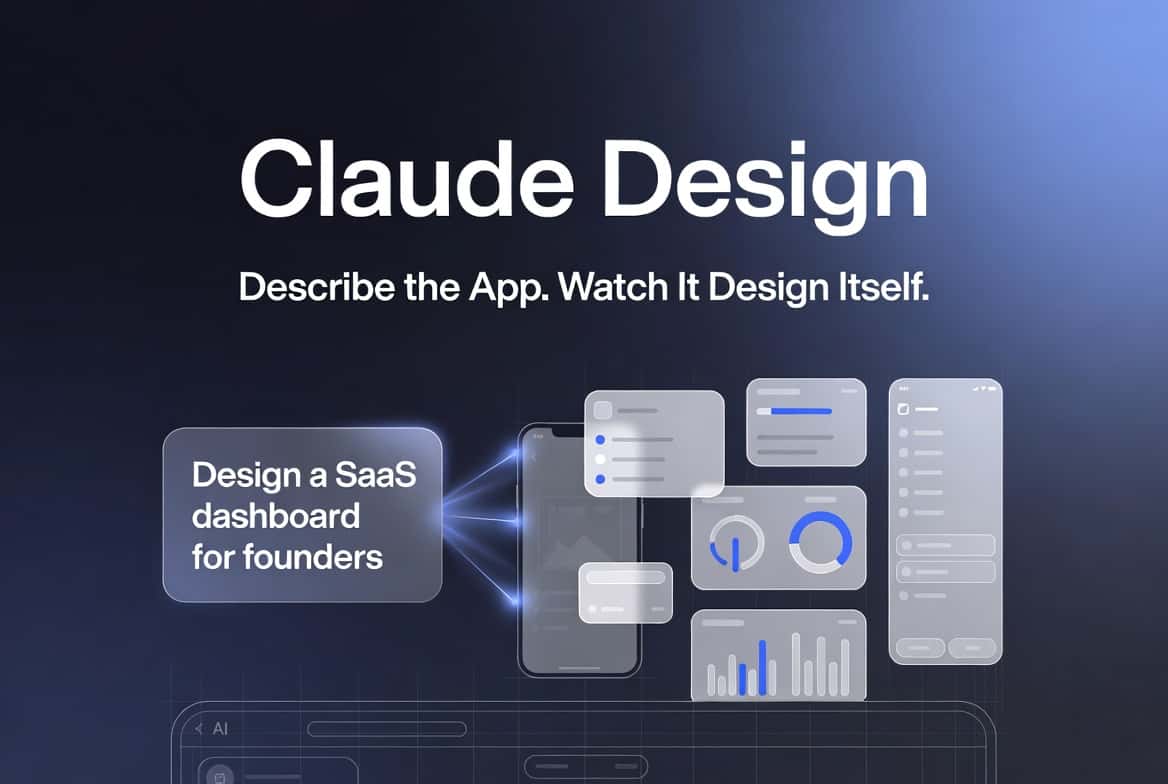

Claude Design is quietly becoming one of the most talked-about AI features
Claude Design is emerging as a new AI-powered interface and product design capability tied to Anthropic’s Claude ecosystem. Instead of manually building UI layouts in Figma or writing frontend code, Claude Design lets users describe what they want — and the AI generates usable interfaces, flows, and components.
Think of it as the bridge between idea → UI → working product.
While still in early rollout and not widely available as a standalone public product, Claude Design has started appearing in demos, internal previews, and advanced Claude workflows. That alone has triggered a wave of discussion among developers, founders, and product designers.
The reason is simple: It doesn’t just generate text — it generates usable product structure.
What is Claude Design?
It is an AI-driven design and UI generation capability built around Claude’s reasoning and coding abilities. Instead of switching between multiple tools, users can prompt Claude to:
- Design landing pages
- Create dashboards
- Generate mobile app UI
- Build SaaS layouts
- Design onboarding flows
- Produce component libraries
- Convert ideas into wireframes
Unlike traditional design tools, Claude Design focuses on intent-first creation. You describe the outcome, and Claude generates the structure.
For example:
“Create a SaaS dashboard for founders showing revenue, users, churn, and growth.”
Claude Design can generate layout logic, component structure, and even working frontend code.
This is why many developers are calling it AI-native product design.
Is it released?
As of now, It’s not officially released as a standalone product. Instead, it appears as:
- Advanced UI generation inside Claude
- Prompt-based layout creation
- Code + UI combined responses
- Experimental internal design workflows
Some users with access to newer Claude capabilities are already using it to generate:
- React UI
- Tailwind layouts
- Full pages
- Component systems
This means Claude Design is soft-launched but not formally announced.
And that’s often how major AI features roll out before becoming full products.
How to use it?
Even without a dedicated button, you can use the capability today by prompting Claude strategically.
Example prompts
Try prompts like:
- “Design a startup landing page for AI founders”
- “Create a modern SaaS dashboard UI”
- “Build a mobile app interface for carpooling”
- “Design onboarding flow for a marketplace app”
- “Generate admin panel layout with analytics”
Claude then outputs:
- UI structure
- Sections
- Components
- Visual hierarchy
- Code (optional)
This makes Claude Design feel like a designer + frontend developer combined.
Why Claude Design matters
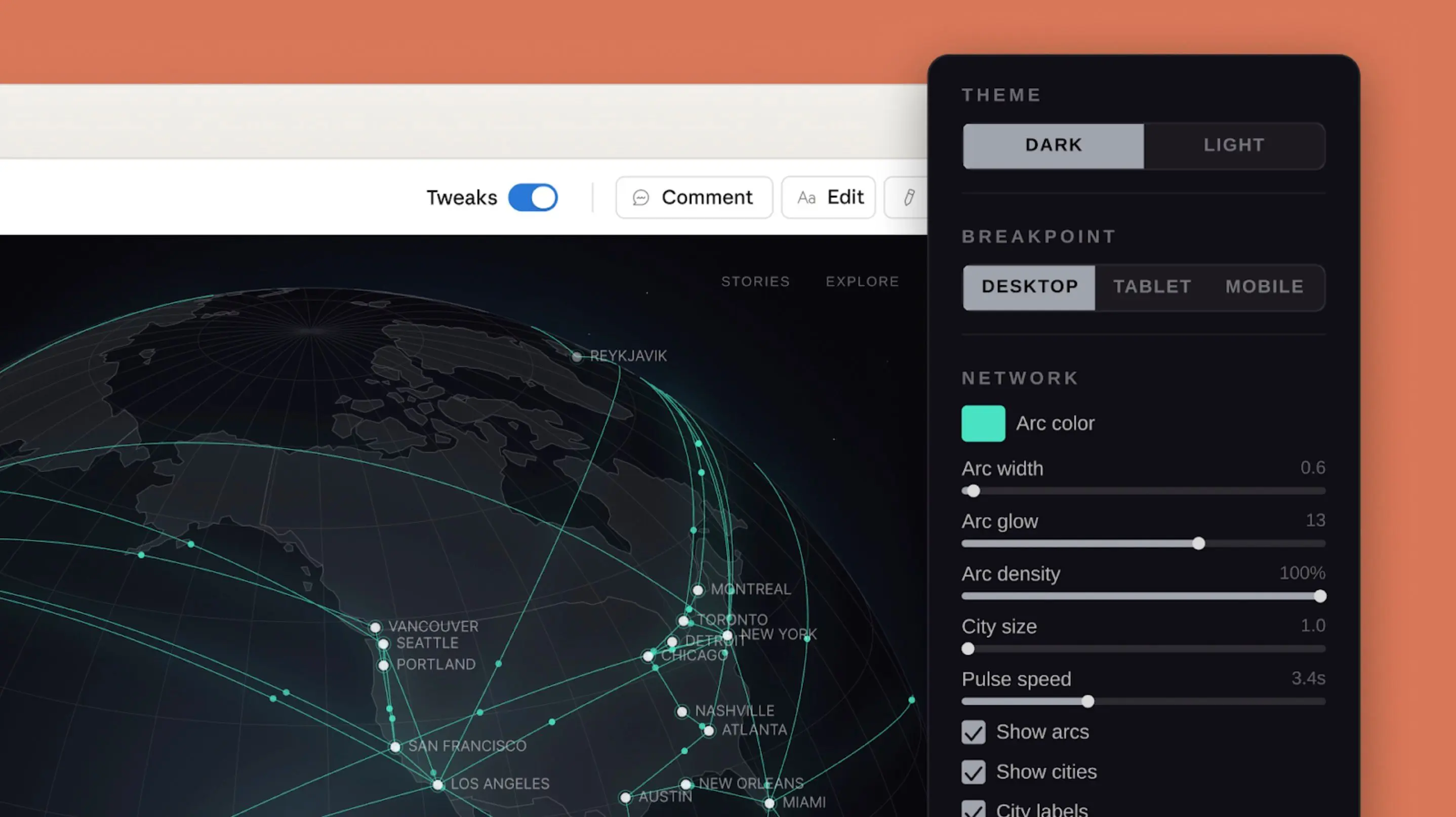
The biggest shift Claude Design introduces is removing friction between thinking and building.
Previously:
Idea → Sketch → Figma → Developer → UI → Product
Now:
Idea → Claude Design → UI → Product
This dramatically reduces iteration time.
For founders, this means:
- Faster MVP design
- No dependency on designers initially
- Rapid prototyping
- Idea validation
For developers:
- Instant UI scaffolding
- Reduced boilerplate
- Consistent design systems
For product teams:
- Faster experiments
- Quick UX testing
- AI-assisted wireframes
it is not replacing designers — it’s accelerating early product creation.
How Claude Design compares to other AI tools
Most AI tools today generate either:
- Images (Midjourney, DALL-E)
- UI screenshots
- Static mockups
Claude Design focuses on functional structure, not just visuals.
That means:
- Logical layout
- Usable components
- App-ready output
- Product-level thinking
This is why developers find it more practical.
Benefits of Claude Design
Here are the biggest advantages:
1. Faster MVP creation
You can design a full product layout in minutes.
2. No design tool dependency
No need to open Figma for early iterations.
3. Developer-friendly output
Claude often generates usable frontend code.
4. Idea validation
Test product structure instantly.
5. Consistent UI systems
Claude can maintain design logic across pages.
Limitations to know
Claude Design is still evolving.
Current limitations:
- No dedicated visual editor
- Not pixel-perfect
- Requires prompt iteration
- Not production-ready by default
But for early product design, it’s already powerful.
The bigger picture
Claude Design signals a major shift in how software will be created.
Instead of designing screens manually, developers will describe products.
This moves software development closer to intent-driven creation.
And that’s why Claude Design is gaining attention — even before official release.
Related Articles on IMFounder
- The Massive Anthropic IPO — Signal a Dangerous Peak in the AI Bubble
- Anthropic Mythos Preview — Revolutionary New AI Model
- The Agentic AI for Founders Playbook — Agentic AI Is Already Changing How Founders Operate in North America
- Are You Using the Wrong AI Tool? — A Practical Guide to Choosing the Right AI for the Right Task
- AI Isn’t Coming for Factory Jobs — It’s Coming for Office Jobs