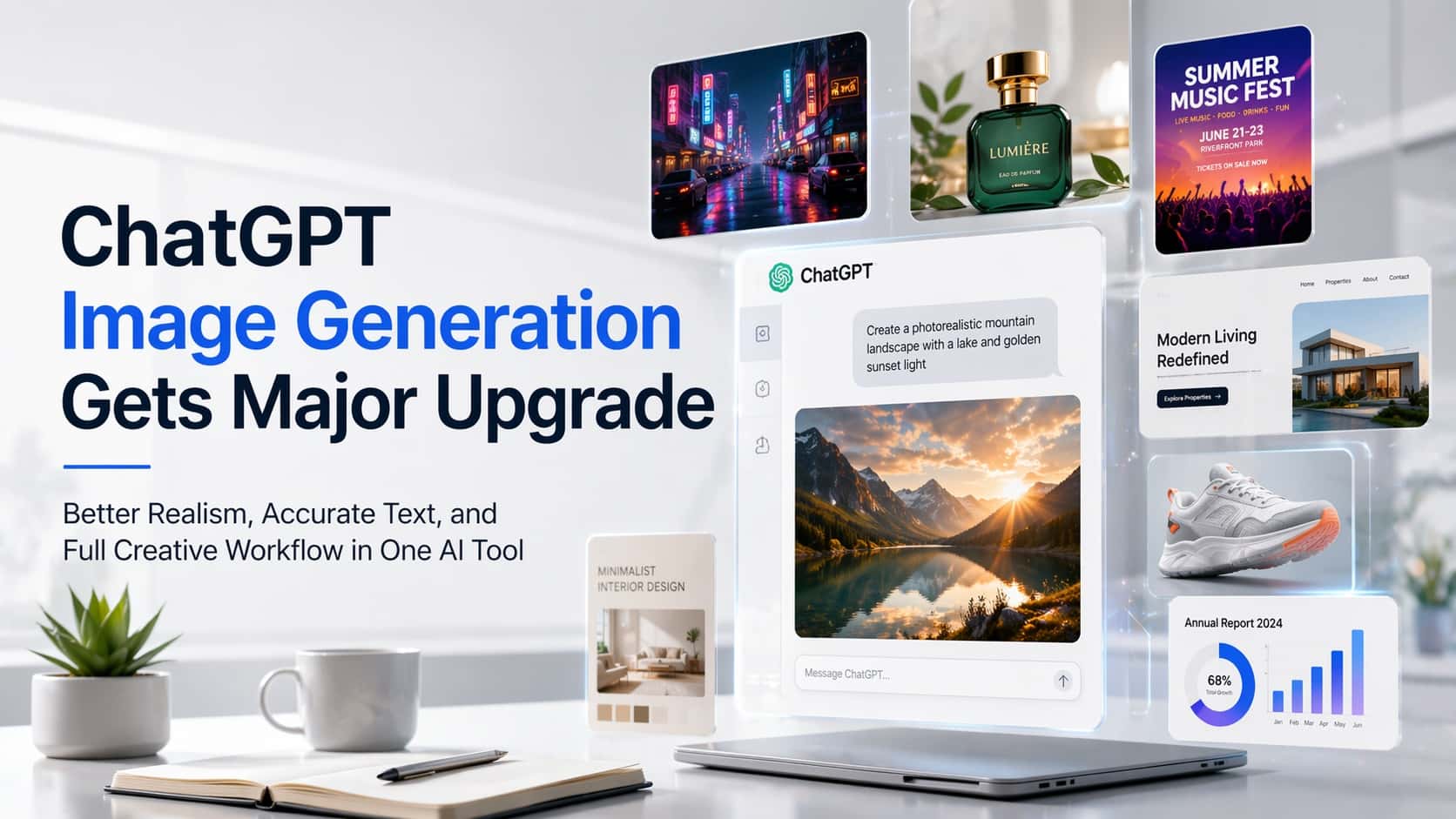

ChatGPT Image Generation has received a major upgrade, transforming it from a simple text-to-image tool into a full creative workflow platform. The new update focuses on better realism, accurate text rendering, advanced editing, and improved prompt understanding — making it one of the most versatile AI image generators available today.
Unlike earlier AI tools that required multiple prompts and external editing software, ChatGPT Image Generation now supports ideation, creation, editing, and iteration in one place.
What’s New in ChatGPT Image Generation
1. Much Better Prompt Understanding
The updated ChatGPT Image Generation model understands complex prompts more accurately. You can now describe:
- Camera angles
- Lighting conditions
- Brand style guides
- UI layouts
- Typography instructions
- Multiple subjects in one image
This reduces the need for prompt engineering and repeated attempts.
2. Improved Text Rendering in Images
One of the biggest improvements in ChatGPT Image Generation is accurate text generation inside images. This means:
- Social media banners
- App UI mockups
- Website hero images
- Posters and ads
- Infographics
can now include readable, correctly spelled text — something many AI models still struggle with.
3. Native Editing and Iteration
Instead of generating a new image every time, ChatGPT Image Generation allows:
- Modify specific parts
- Change background only
- Adjust colors
- Replace objects
- Expand image
- Maintain consistency
This turns AI image creation into a real design workflow.
4. More Consistent Style Generation
The update improves style consistency across multiple images:
- Brand visuals
- Product mockups
- App UI screens
- Story illustrations
- Character designs
This is particularly useful for startups, blogs, and marketing campaigns.
5. Multi-Image and Design Workflow
You can now ask ChatGPT Image Generation to create:
- Multiple variations
- UI screen sets
- Marketing campaigns
- Ad creatives
- Design systems
This reduces reliance on external design tools.
Why ChatGPT Image Generation Is Better Than Other AI Models
vs Midjourney
ChatGPT Image Generation advantages:
- Better text rendering
- Easier editing after generation
- No Discord requirement
- More accurate UI/UX layouts
- Better instruction following
Midjourney still excels in artistic style, but ChatGPT is stronger for practical and commercial design.
vs DALL·E Older Versions
The new ChatGPT Image Generation improves:
- Realism
- Typography
- Prompt accuracy
- Composition control
- Editing workflow
This makes it more usable for professional output.
vs Stable Diffusion Tools
ChatGPT Image Generation is better for:
- No setup required
- No model downloads
- No prompt complexity
- Faster iterations
- Built-in editing
Stable Diffusion remains powerful but requires technical knowledge.
What You Can Do With ChatGPT Image Generation
For Founders
- Startup landing page hero images
- App UI mockups
- Product concepts
- Investor pitch visuals
- Social media branding
For Bloggers & Media
- Featured images
- Section illustrations
- Infographics
- Editorial art
- News visuals
For Designers
- Rapid prototyping
- Moodboards
- Brand exploration
- Layout testing
- Style experiments
For Marketing Teams
- Ad creatives
- Social posts
- Campaign visuals
- Email headers
- Product announcements
Benefits of ChatGPT Image Generation
Faster Workflow
Create and refine images without switching tools.
More Accurate Results
Better understanding reduces prompt retries.
Better Text in Designs
Generate banners, posters, UI with real typography.
Consistent Branding
Maintain the same style across multiple assets.
Beginner Friendly
No prompt engineering required.
Professional Quality
Suitable for marketing, product, and editorial use.
Comparison Summary
| Feature | ChatGPT Image Generation | Midjourney | Stable Diffusion |
|---|---|---|---|
| Text in Images | Excellent | Weak | Inconsistent |
| Editing | Built-in | Limited | External tools |
| Prompt Understanding | Strong | Moderate | Complex |
| UI/UX Design | Very Good | Weak | Moderate |
| Ease of Use | Very Easy | Medium | Technical |
| Workflow | Full pipeline | Image only | Custom setup |
Related Articles on IMFounder
- Claude Design is quietly becoming one of the most talked-about AI features — The New AI Interface Builder
- Are You Using the Wrong AI Tool? — A Practical Guide to Choosing the Right AI for the Right Task
- Powerful AI Tools for Founders in 2026 — You Must Know About Now
- A.I. Social Media Accounts Are Growing Faster Than Humans — And It’s Changing Everything
- 5 Powerful Claude AI for Sales Prompts — That Will Close More Deals
- The Emerging Titan in AI and Its Impact — DeepSeek